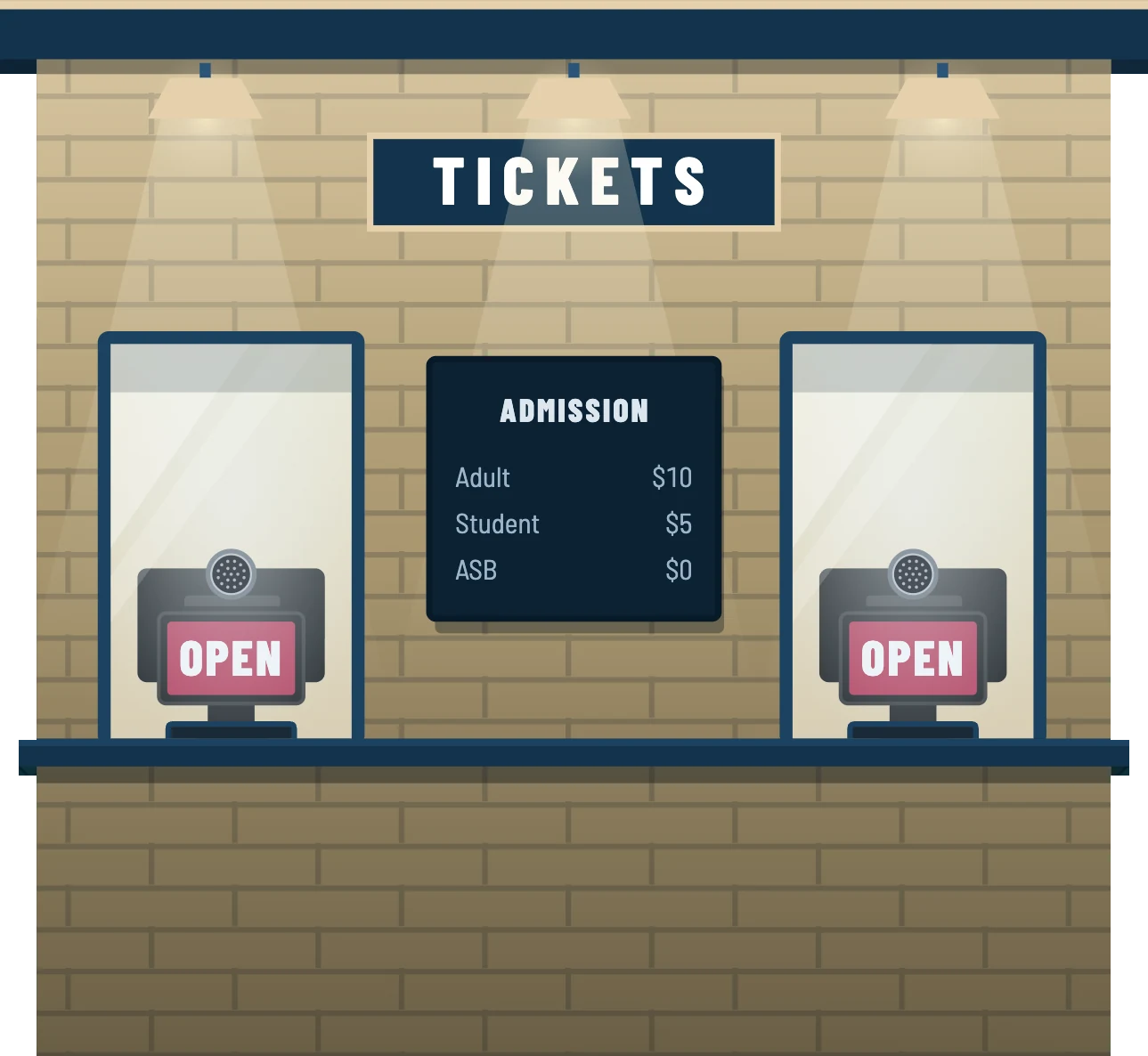
Hardware built for every way you sell.
The Pro runs the counter. The Mini goes to the gate, the cart, and the concession window. Both run the same checkout.
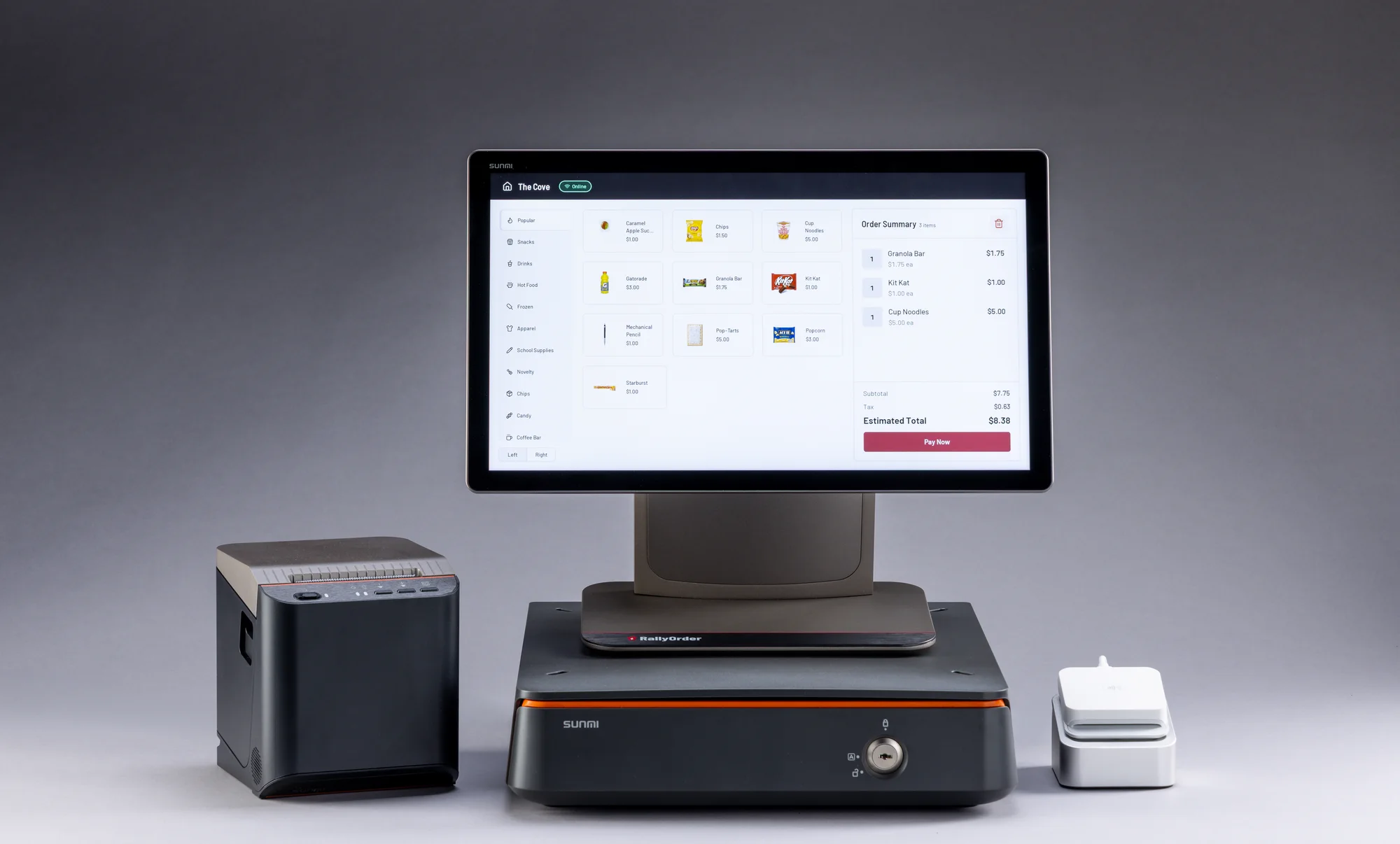
RallyOrder Pro
A dual-screen register on a locking cash drawer, with a card reader and an optional receipt printer. Built for the store that opens every day.
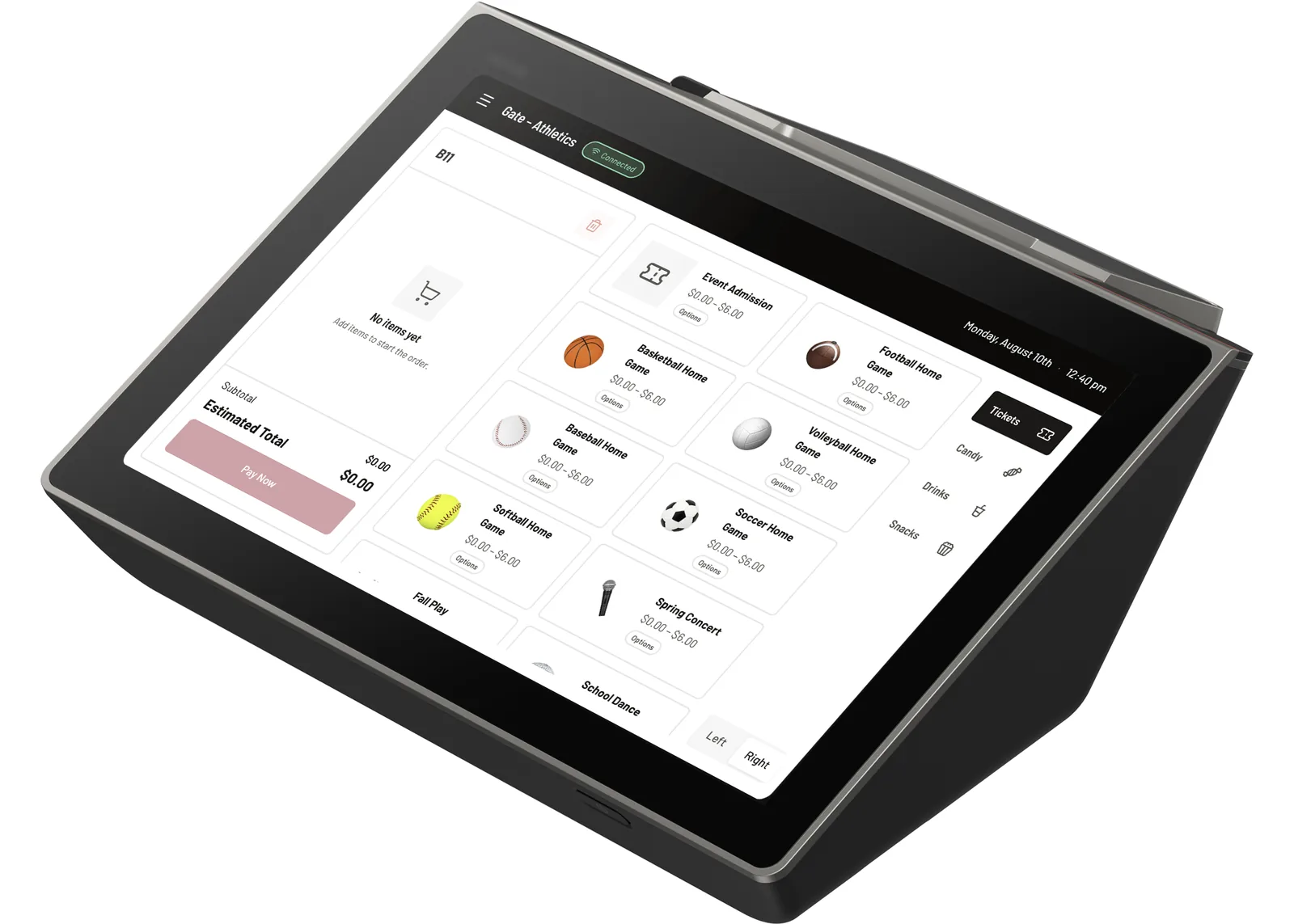
RallyOrder Mini
A compact register with the receipt printer built in, plus a card reader and cash drawer. It runs on battery, so it goes to the game, the cart, and the table outside the musical.
Same checkout, every place you sell. Pro at the store counter, Mini at the stand or gate, one set of reports.
| Feature | 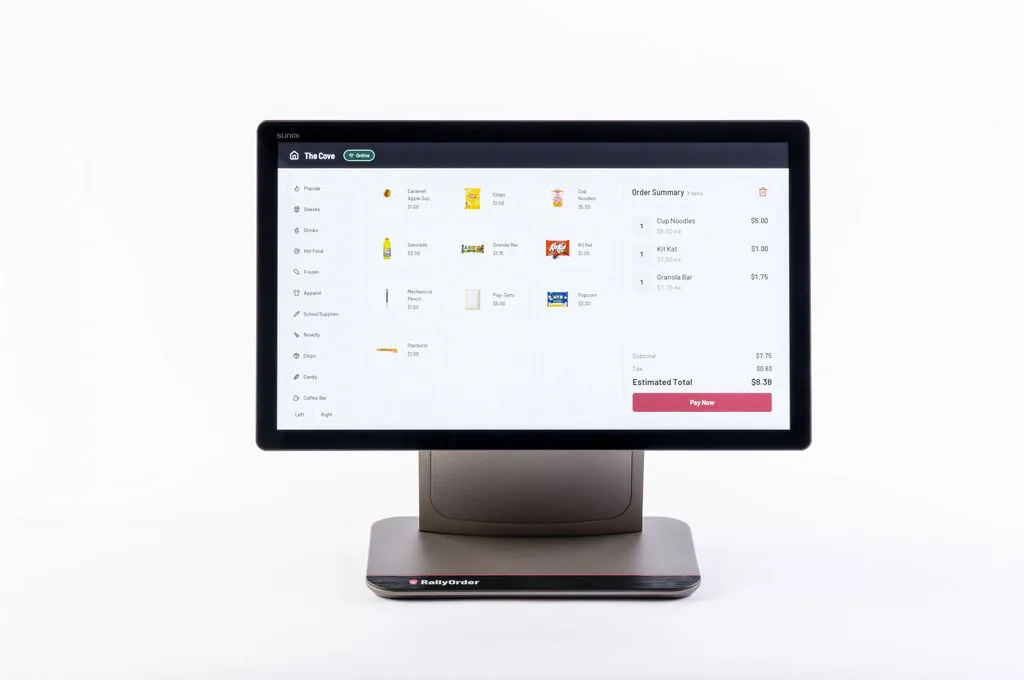 RallyOrder ProMade for the counter | 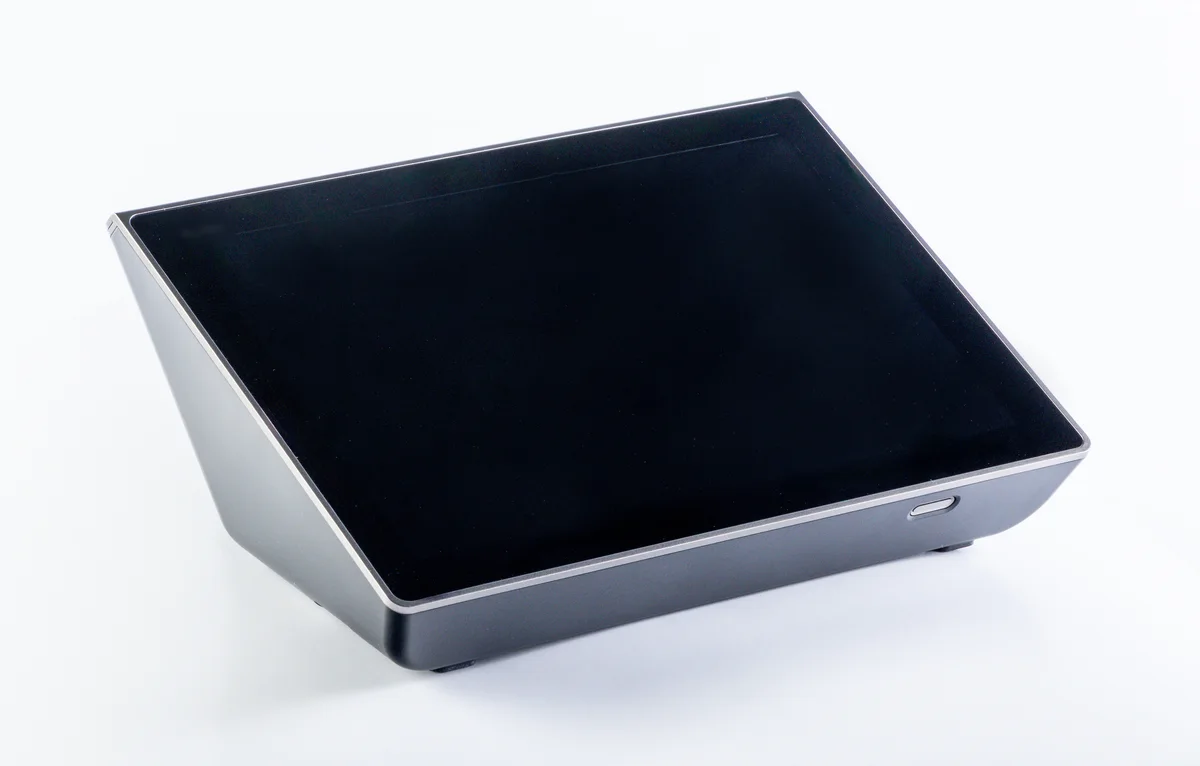 RallyOrder MiniMade to move |
|---|---|---|
| Made for |
|
|
| Touchscreen | 15.6″ | Compact |
| Receipt printer | Separate thermal printer, optional | Built in |
| Card reader | Stripe reader, in the kit | Stripe reader, in the kit |
| Cash drawer | Locking drawer, in the kit | Locking drawer, in the kit |
| Power | Wall outlet | Wall outlet or battery |
| Tap, chip, and swipe | ||
| Apple Pay and other NFC payments | ||
| Cash, card, or split | ||
| Sells when the Wi-Fi drops | ||
| Event tickets and the Gate Report | ||
| Student sign-in and roles | ||
| Checkout and HomeRoom reports |
Three pieces in the Pro kit, plus an optional printer.
Built for the counter that opens every day, with a second screen that shows each customer their order.
RallyOrder Pro
A dual-touchscreen Android POS that runs the full RallyOrder checkout.
- Fast, student-proof checkout
- Customer-facing second screen
- Offline mode for spotty Wi-Fi
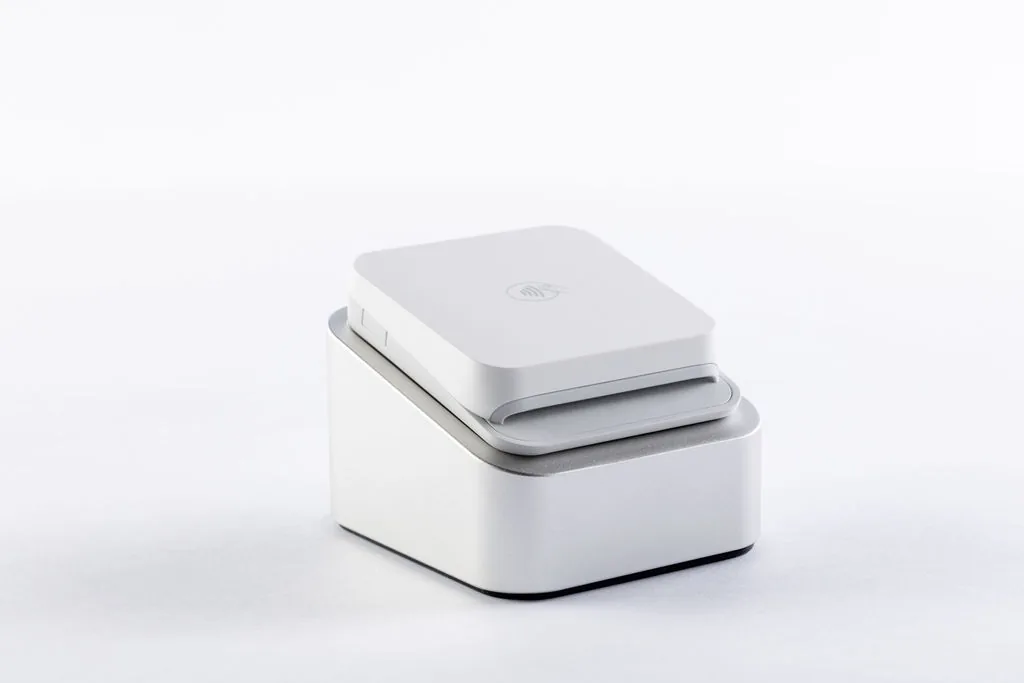
Card Reader
A Stripe reader for tap, chip, and swipe at the register.
- Plugs into the register by USB
- Accepts Apple Pay and other NFC payments
- Card data goes from the reader to Stripe, and RallyOrder never sees the full card number. See the Trust Center.
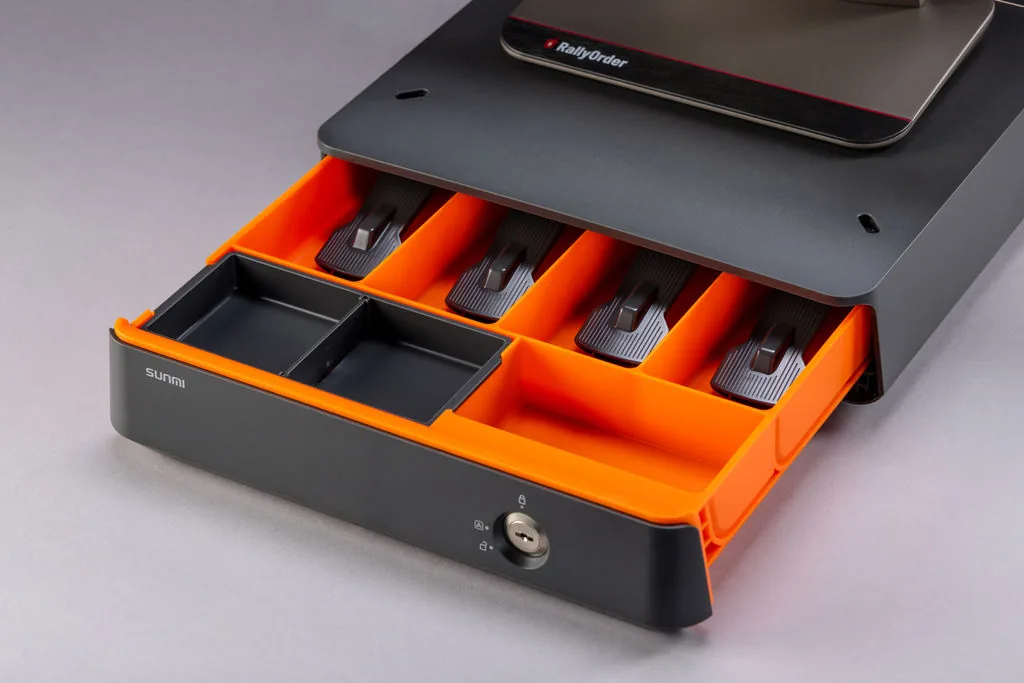
Cash Drawer
A locking cash drawer that pops open on every cash sale.
- Split one sale between cash and card
- Locks between shifts
- Hi-visibility orange to recognize an open drawer
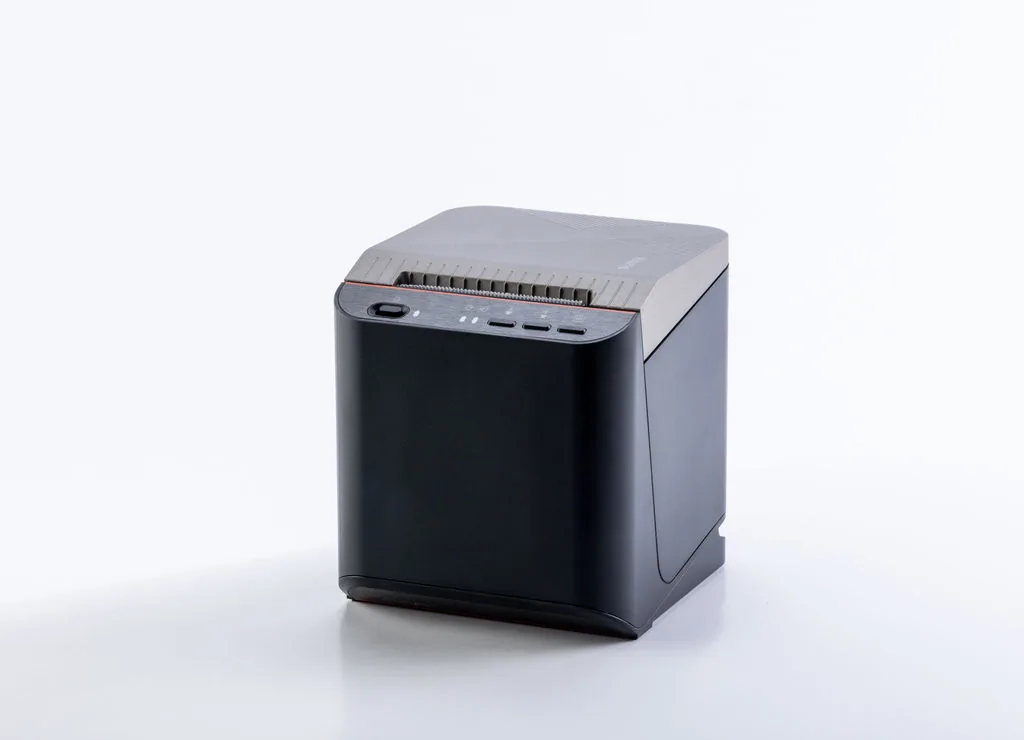
Receipt Printer
A thermal printer that prints the receipt as the sale closes.
- Optional with the Pro kit
- Reliable through the lunch rush
- Plug-and-play with the POS
Three pieces in the Mini kit.
Built for the gate, the cart, and the stand, with the printer inside the register and a battery to carry it there.
RallyOrder Mini
A compact touchscreen register that runs the full RallyOrder checkout.
- Receipt printer built in
- Runs on battery
- Offline mode for spotty Wi-Fi
Card Reader
A Stripe reader for tap, chip, and swipe wherever the Mini sets up.
- Accepts Apple Pay and other NFC payments
- Card data goes from the reader to Stripe, and RallyOrder never sees the full card number. See the Trust Center.
Cash Drawer
A locking cash drawer that opens on every cash sale, at the gate or the stand.
- Split one sale between cash and card
- Change due shows on screen
See the Mini at the ticket gate
Pricing depends on the kit and your school's size. Book a demo for a quote
Retire the old cash register.
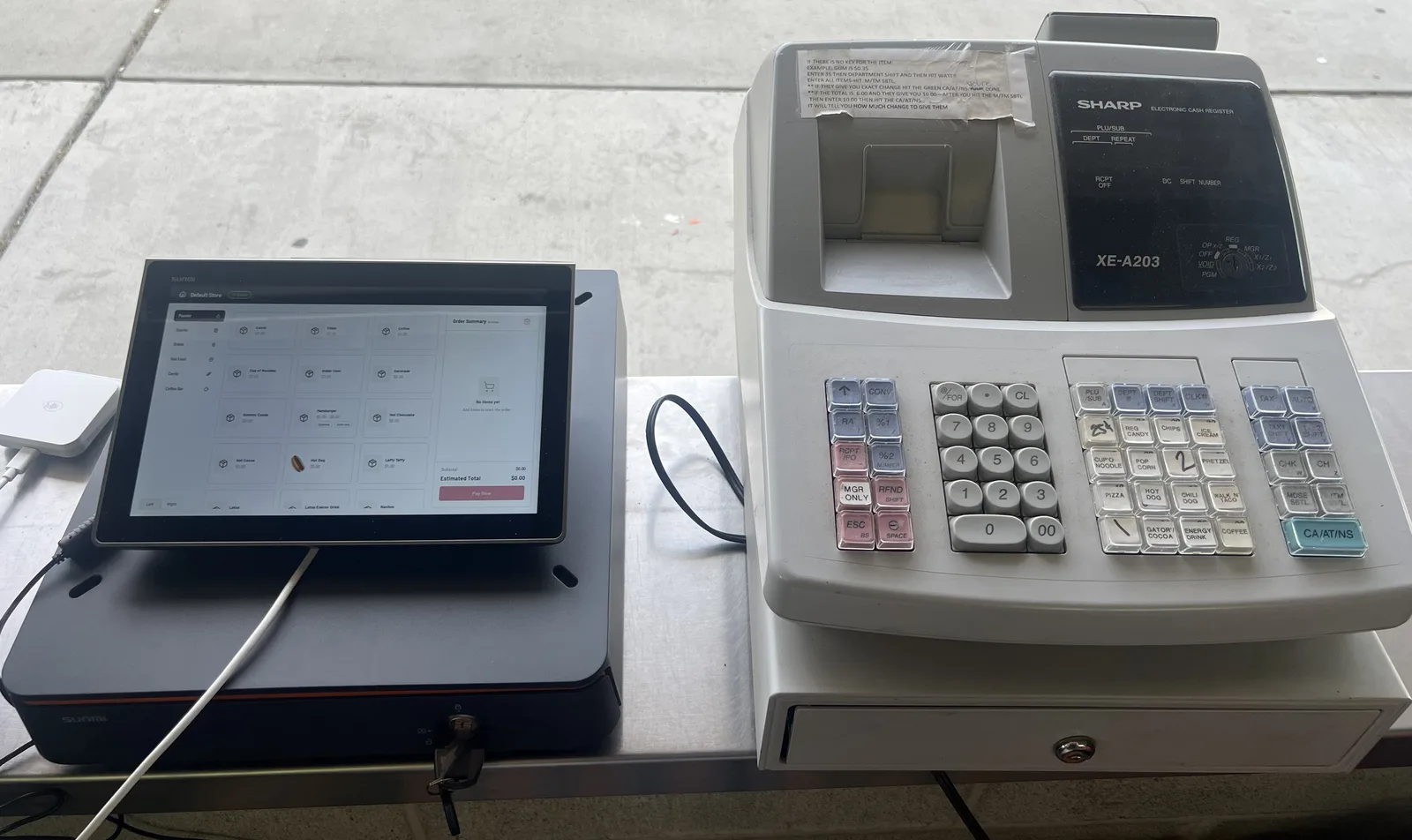
If your stand runs on a keyed register with a taped-on cheat sheet, RallyOrder sets up right beside it. Build the menu once in HomeRoom and every item gets its own button. Card and cash ring up on the same sale, and every sale lands in your reports.
The lunch rush never stops.
Keep selling when the Wi-Fi drops. Sales queue on the register and process on their own when you reconnect.
RallyOrder keeps taking sales when the Wi-Fi drops. Cash sales never need a connection. Card sales keep going up to a per-sale limit your school sets, and everything syncs the moment the register is back online.
Unbox, plug in, start selling.
Ready out of the box
Set the Pro on the counter or charge the Mini, then join the school Wi-Fi. Pairing takes a 6-digit code from HomeRoom.
Guided setup
Step-by-step setup guides live inside HomeRoom, including a guided first week for a new store.
Big touchscreen buttons
The same buttons on every register, so a new cashier rings up a sale on their first shift.
Not sure which one fits?
Book a demo and we'll spec the right kit for your store, your concession stand, or your ticket gate.